
Audio porn - What is it?

The relatively new, popular middle ground between these two classics is audio erotica. Just as it sounds, it is a kind of combination of an erotic audiobook and a staged performance. Instead of the external perspective offered by literature or audiobooks, you find yourself right in the middle of the unfolding scenario, with immersive sound effects and dialogue for maximum involvement. Read on to find out where and how you can step into the innovative world of audio erotica.
Platforms
Just as with so many other things today, there are specific apps dedicated solely to audio erotica. Whether they are standalone clips under 5 minutes long or a multi-part series, there is a whole smorgasbord of stories to enjoy.
1. Dipsea
Created by women, for women. Friends Gina Gutierrez and Faye Keegan noticed the lack of erotic media focused on women's desires. They launched Dipsea, an audio erotica platform with carefully written scripts read by professional voice actors. Each scenario is carefully curated and crafted for a seamlessly arousing experience full of immersion and emotion.
2. Quinn
Unlike Dipsea, Quinn offers a mix of material from both professional voice actors and freelancers. They even feature Grey’s Anatomy star Jesse Williams in the leading role of The Misty Door, their own erotic fantasy series.
Those who want to self-publish still have to apply for permission, and all material undergoes a review. This allows Quinn to maintain a high standard for its offerings. By opening the door to self-produced material, it is almost impossible to find a niche in their library that is not catered to.
3. Yuu
Yuu was created with women, couples, and LGBTQ+ people in mind, and unlike its predecessors, you can access part of the selection for free. You can then decide whether you want to pay to access the entire library. On their website, you can also find helpful guides and tips on how to benefit from audio erotica, along with other interesting posts about health and sexual habits.
4. Spotify
Yes, you read that right. Even Spotify offers a selection of erotic series and audio clips. If you already have a subscription, you can find material in both Swedish and English under the Podcasts and Shows category. Just type ”erotik” or "erotica" into the search bar and browse through both dedicated shows and standalone episodes!

Sex toys with compatible features
It should come as no shock that the leading manufacturers of the best sex toys have already picked up on the popularity of this phenomenon. The pioneers at Satisfyer have implemented their own exclusive stories with synchronized movement patterns, so you are stimulated with as much immersion as possible. They also offer the ability to link audio files and create your own movement patterns, allowing you to customize your audio adventures to your liking. We-Vibe, which also specializes in app-controlled toys, offers the same function for saving your own patterns.
To explore the features of your Satisfyer, do the following:
Open the app and click the icon with the two rings in the upper-right corner of your display - Give the app permission to use Bluetooth – hold down your Satisfyer's power button for four seconds and then press ”connect” when you see the device in your app.
Under the ”Remotyca Stories” category, you will find a collection of audio erotica to choose from, including a helpful introduction.
To import files from another service, tap the ”music vibes” tab. If you click the three dots for settings, a list of streaming services on your phone that are compatible with the app will appear. The audio files you have saved on your streaming service will then appear in the app's library and be ready to use. Clever!
However, you do not have to use the preset vibrations for your audio experience. In the ”Program play” tab, you have the option to create entirely new vibration patterns from scratch, or compose your own program by putting different sequences together in a particular order.
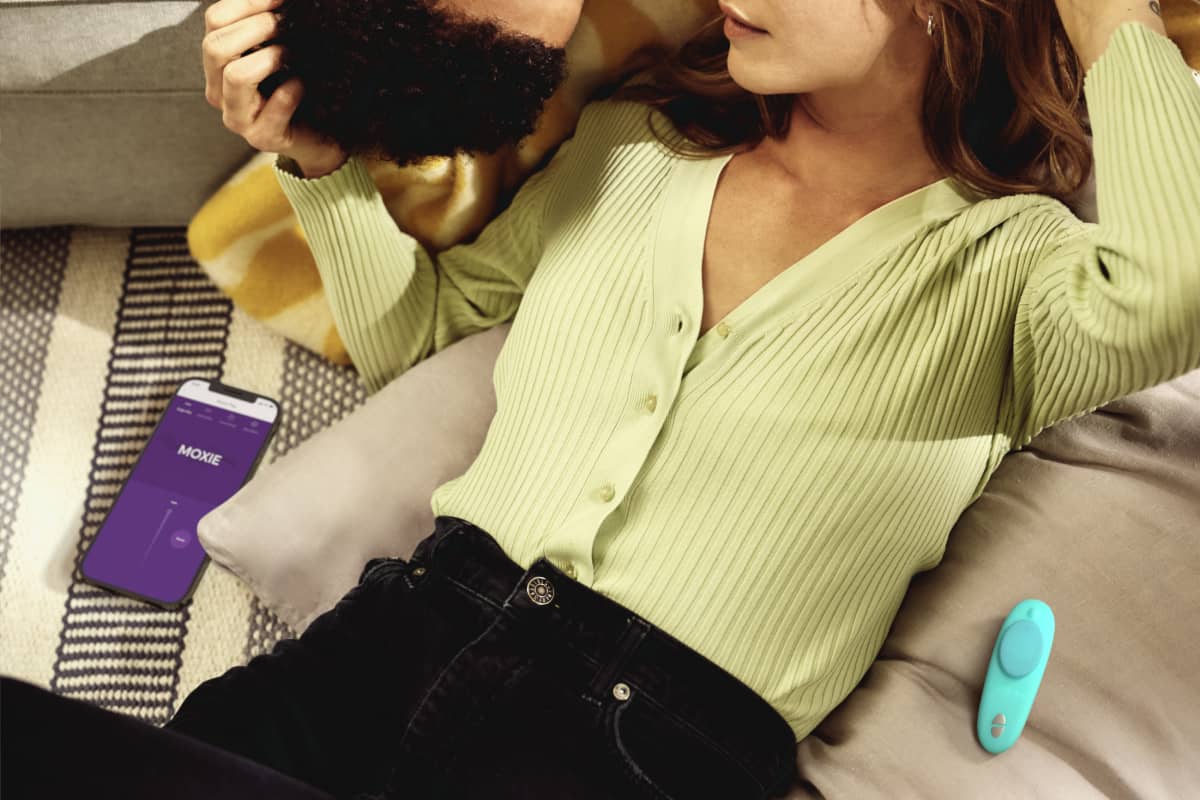
To connect the We-Vibe app to your sex toy, do the following instead:
Hold down the toy's power button for 10 seconds – open your We-Vibe app and click the plus sign in the ”Toys” tab – select the model of toy you are trying to connect and then follow the instructions in the app.
We-Vibe has a selection of toys with the ”Beat-mode” feature that can be connected to audio files on your phone. Go to the ”Beat Mode” tab and click ”Choose a song”. To use the feature, you must approve the app's access to the audio files on your phone.
The feature is available for the following models of We-Vibe toys:
- Wish
- Moxie
- Ditto
- Gala
- Verge
- Pivot
- Jive
- Bloom
- Chorus
- Vector
- Sync
To create your own pattern, click ”Create”, and you can either combine available sequences or get creative and compose one entirely yourself using your phone's touchscreen.
Here are our favorite app-controlled sex toys!